
Getting Started with Business IT: A Guide for Mexican SMEs
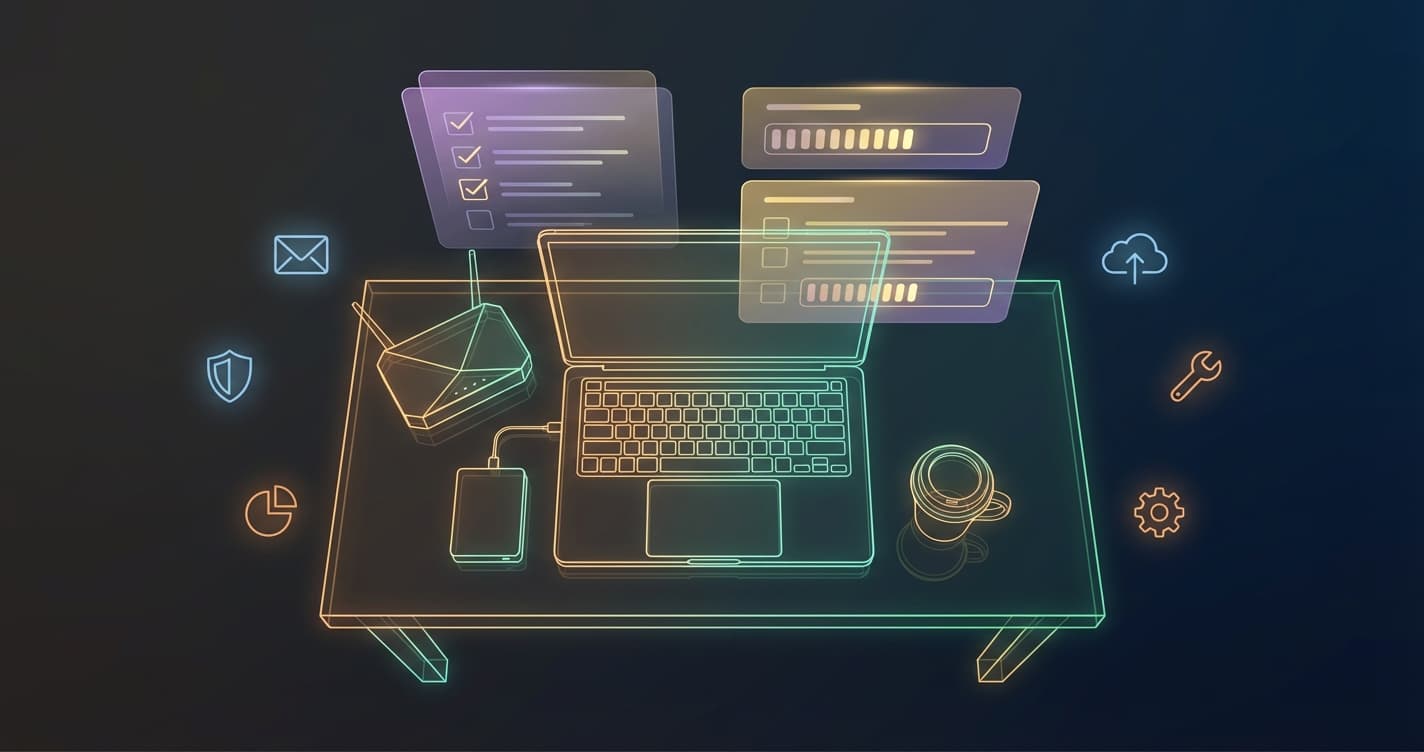
Running a small or medium business in Mexico means wearing many hats. IT is rarely anyone's favorite responsibility, but the right infrastructure can make the difference between smooth operations and costly downtime.
What does "business IT" actually mean?
For most SMEs, business IT covers four essential areas:
- Hardware — computers, printers, networking equipment
- Connectivity — reliable internet, Wi-Fi, and internal networking
- Software and licenses — operating systems, Office suites, accounting software
- Security and support — antivirus, backups, and someone to call when things break
You don't need to manage all of this yourself. Many companies find it more cost-effective to partner with a local IT provider that handles maintenance, support, and procurement.
The most common IT mistakes SMEs make
1. Skipping backups until it's too late
Data loss is one of the most disruptive events a business can experience. A hard drive failure, ransomware attack, or accidental deletion can wipe out months of work. Automated, off-site backups are not optional — they are the foundation of any serious IT setup.
Recommended approach: Daily incremental backups stored locally and replicated to a cloud or off-site location.
2. Using personal email accounts for business
Sending quotes, contracts, and invoices from a @gmail.com or @hotmail.com address looks unprofessional and creates security risks. A corporate email with your domain (you@yourcompany.com.mx) is inexpensive and takes less than a day to set up.
3. Ignoring software licensing
Unlicensed software exposes your business to legal risk and often lacks security updates. Legitimate licenses for Windows, Microsoft 365, and antivirus solutions are available at reasonable cost — especially with volume or annual pricing.
4. Waiting until something breaks to call IT support
Reactive support is always more expensive than preventive maintenance. A basic IT maintenance policy (regular updates, hardware checks, license renewals) catches problems before they become emergencies.
Where to start
If your business has 5–50 employees and you're setting up IT for the first time (or fixing a neglected setup), prioritize in this order:
- Stable internet connection with a business-grade router
- Corporate email with your domain
- Automatic backups for all critical data
- Licensed software (OS, Office, antivirus)
- A maintenance agreement with a local IT provider
How much does it cost?
Costs vary by business size and requirements, but a typical baseline for a 10-person office in Mexico:
| Item | Approximate Monthly Cost |
|---|---|
| Corporate email (10 users) | $500–$1,200 MXN |
| Cloud backup (500 GB) | $300–$600 MXN |
| Antivirus (10 seats) | $400–$800 MXN |
| IT support contract | $1,500–$4,000 MXN |
Total: roughly $2,700–$6,600 MXN/month for a solid baseline IT setup.
Next steps
Every business is different. The best way to know what you actually need is a brief IT assessment — a review of your current hardware, software, and processes that identifies gaps and priorities.
Interested in a free IT assessment for your business? Contact us and we'll get back to you the same day.